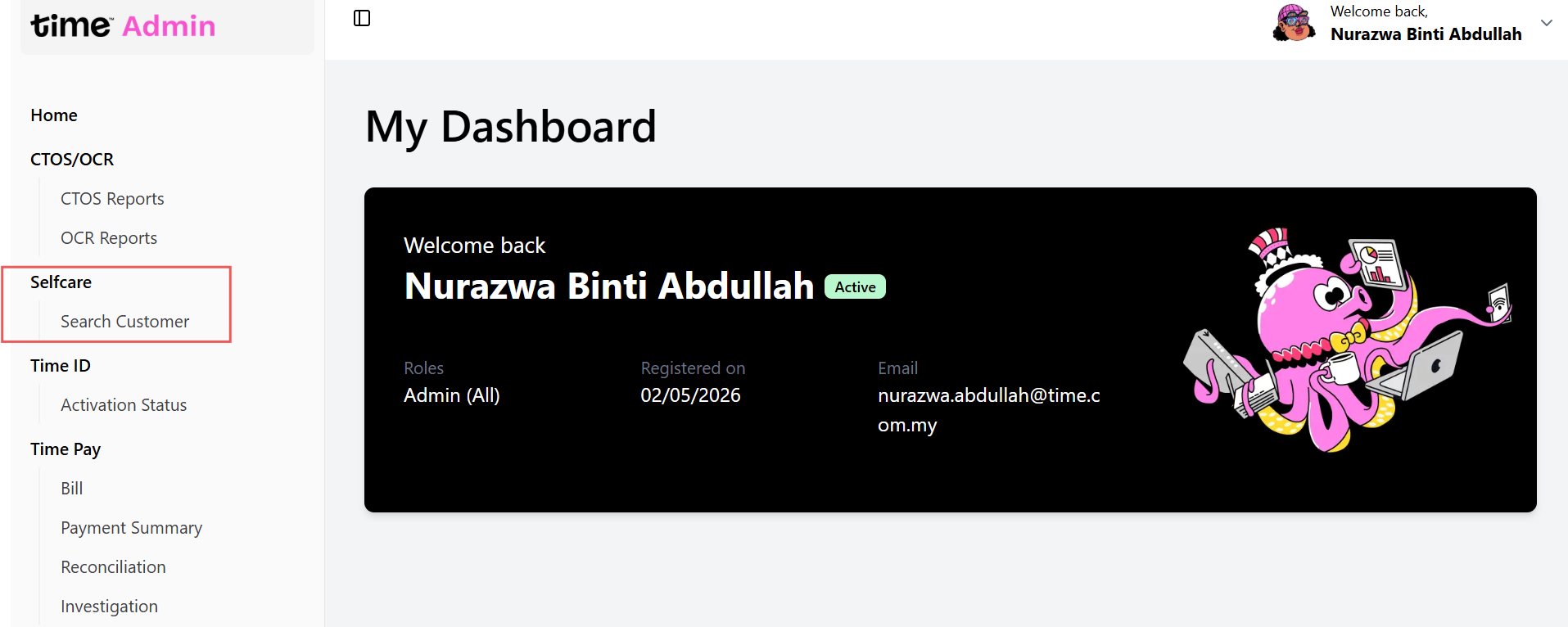
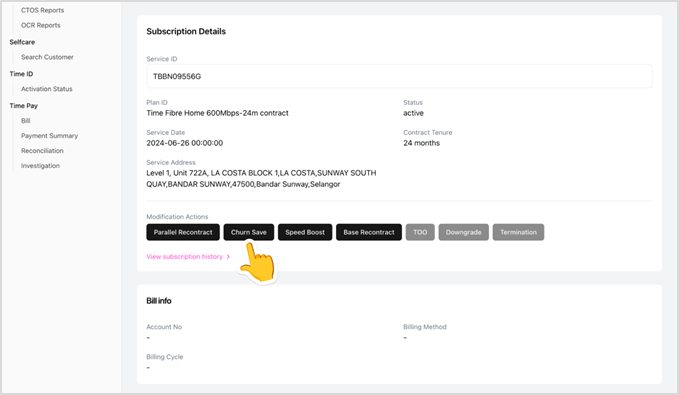
In the Selfcare module, search for the customer, then click the Promo button under Modification Actions.
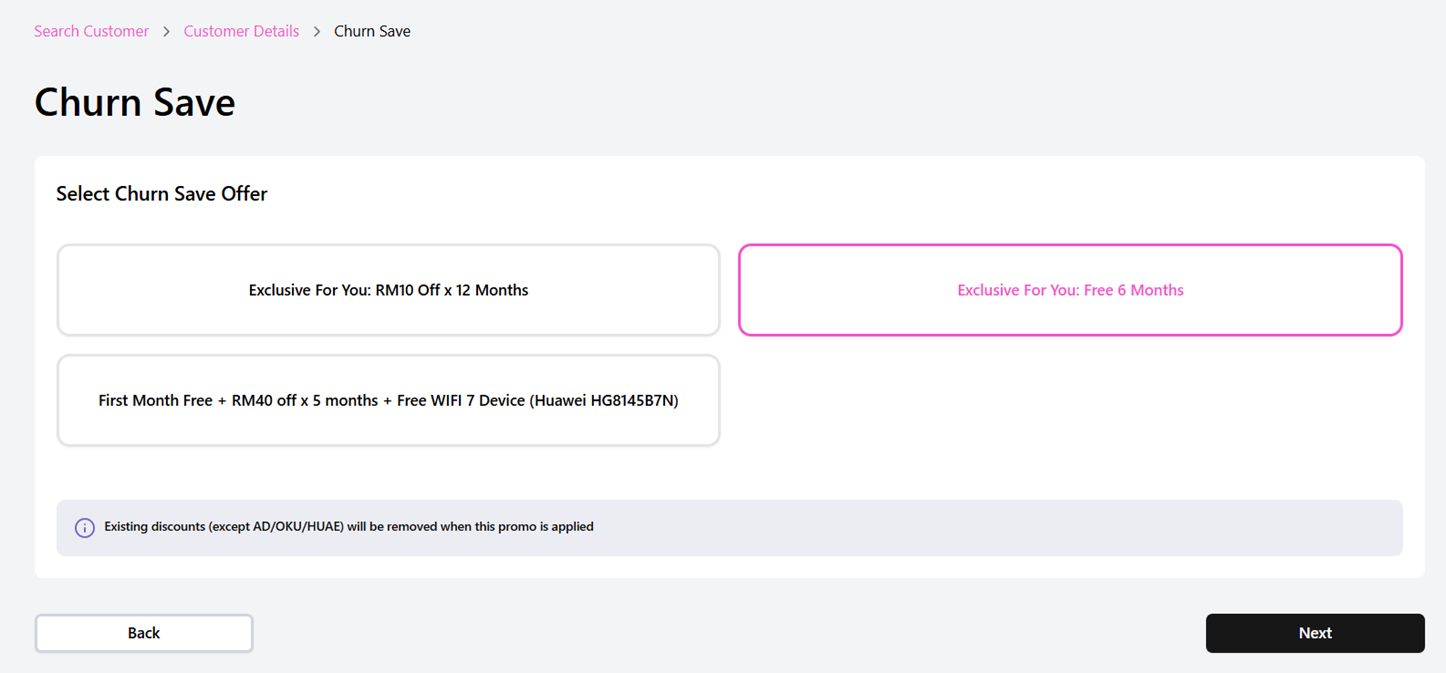
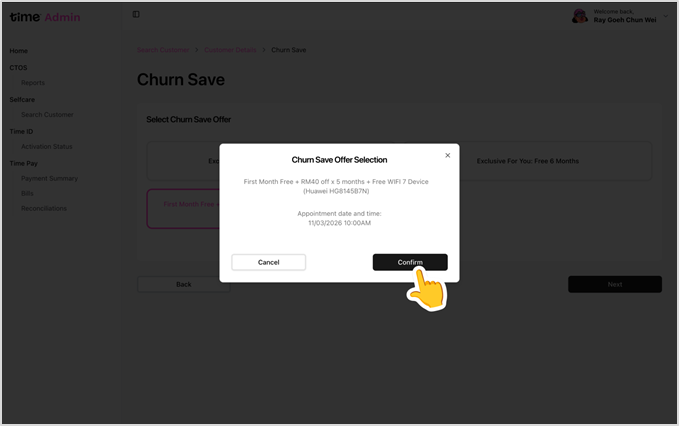
Select the desired promo and click Confirm to complete the redemption.
Was this article helpful?
That’s Great!
Thank you for your feedback
Sorry! We couldn't be helpful
Thank you for your feedback
Feedback sent
We appreciate your effort and will try to fix the article